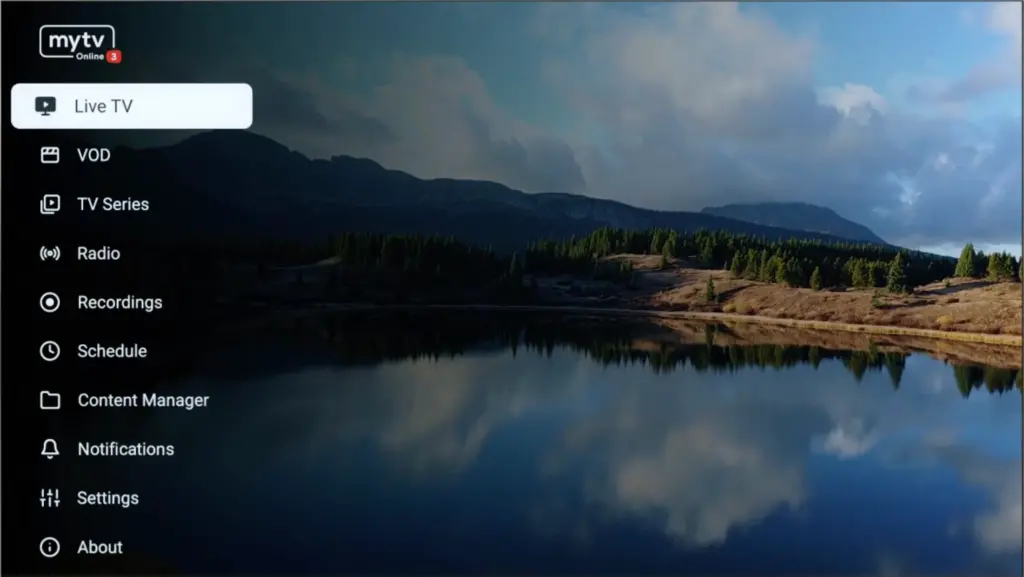
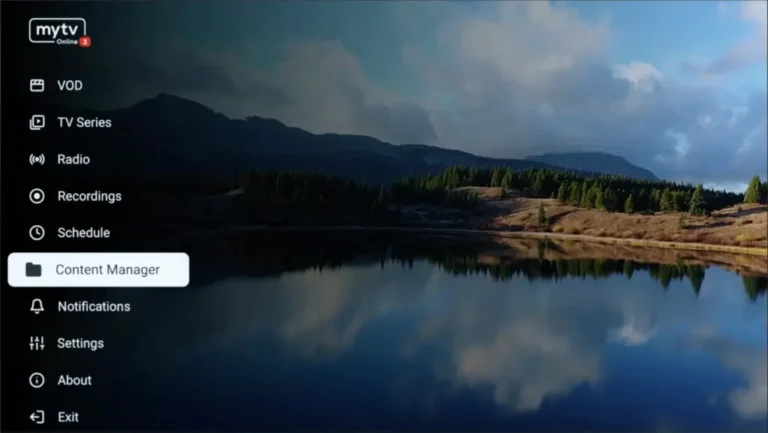
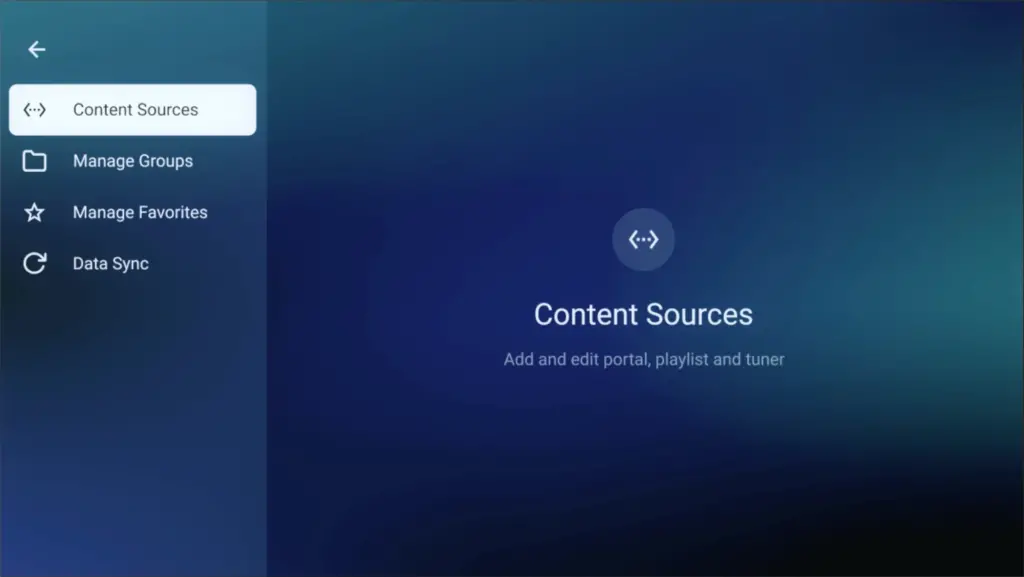
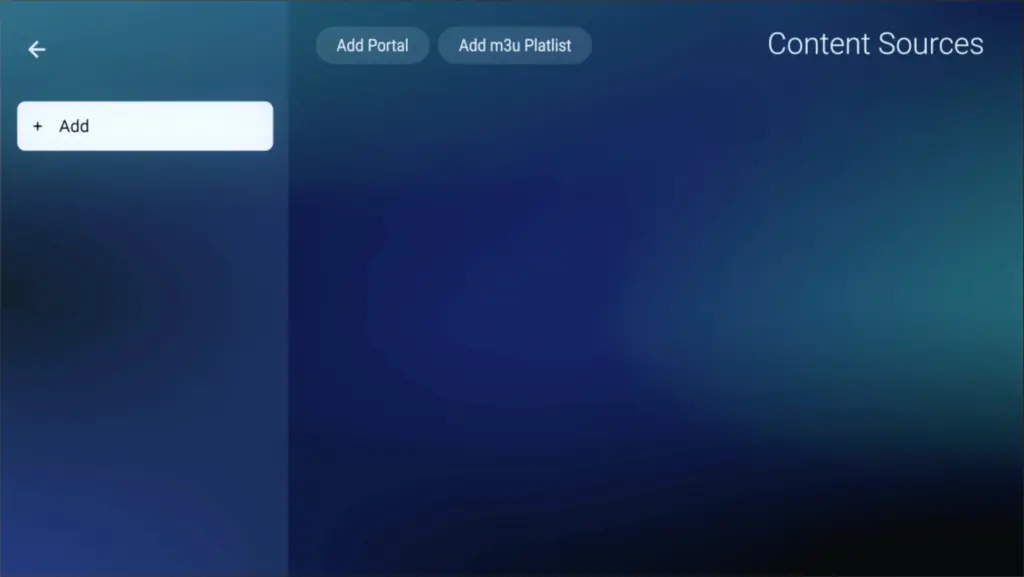
Here's a tutorial to set up the IPTV app (MYTV Online) on Formuler from scratch, Easy steps!
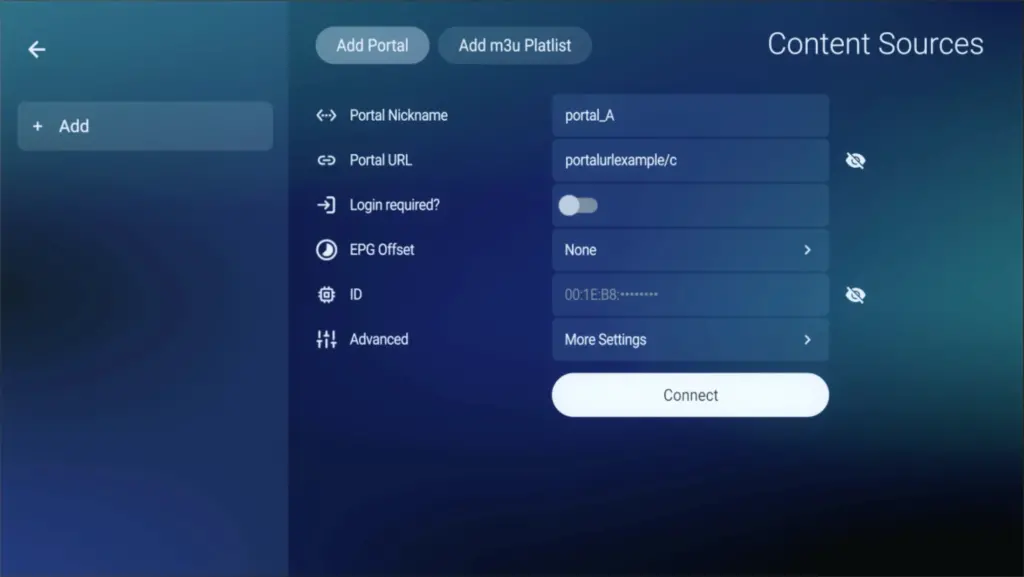
To run the TrimixTriangles service on your Formuler Box, simply use MYTV Online 3 App or MYTV Online 2 App. Follow the steps below for easy setup:
Setup TrimixTriangles service on your Formuler via MyTV Online 3
Congratulations! You’ve now completed the setup of MYTV Online 3 for seamless streaming.
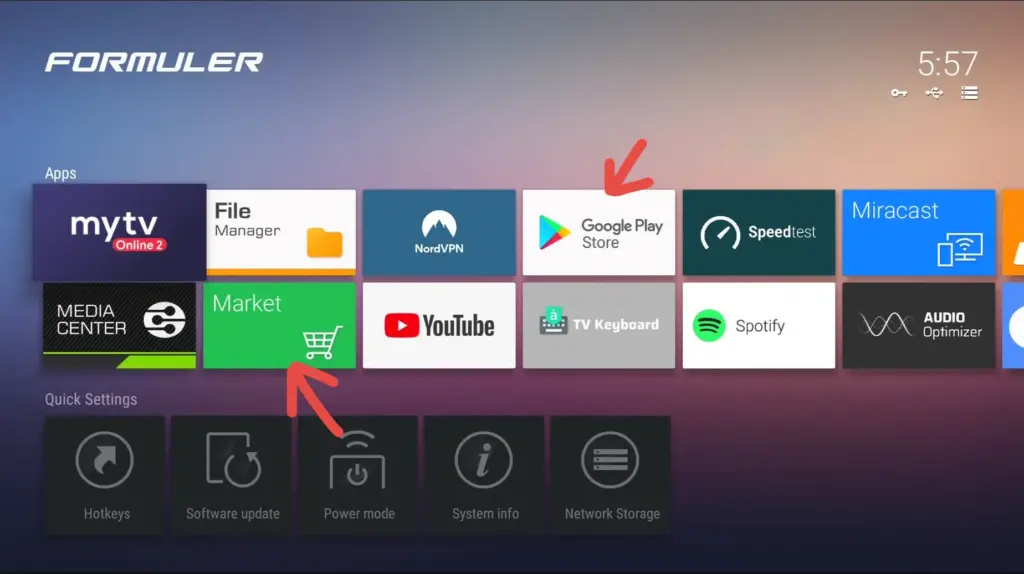
If you don’t have this application on your device you can download it from the Market Store or from the Google Play store.
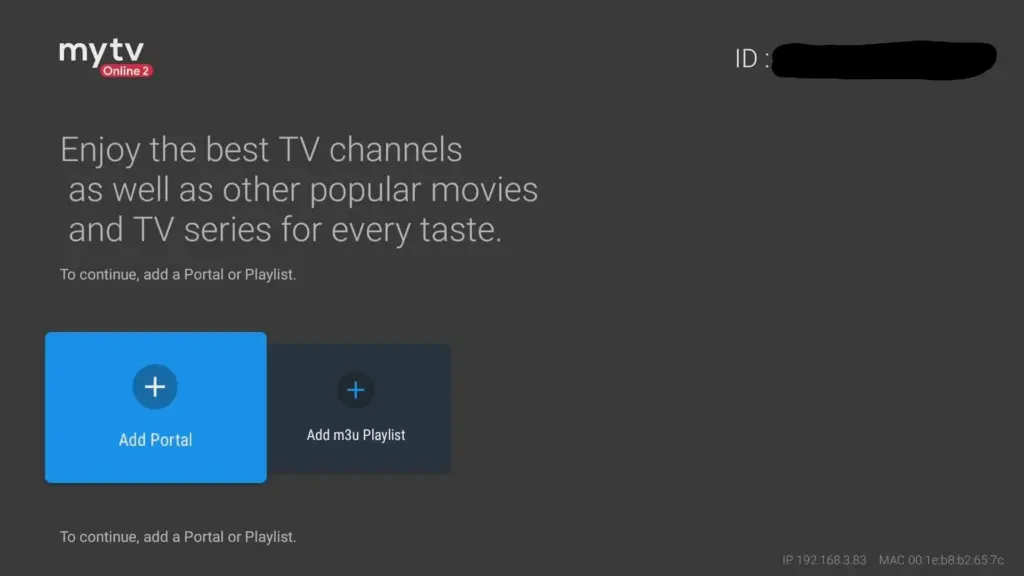
Locate the MAC ID of your box at the top right of this page. After payment, submit the form with your device’s MAC ID. Replace the 00:1E:B8:XX:XX:XX from the MAC Address (you can find it at the bottom of your box) with 00:1A:79:XX:XX:XX to obtain the MAC ID. This step is essential for activating your TrimixTriangles Service subscription. Get Your Subscription Here.
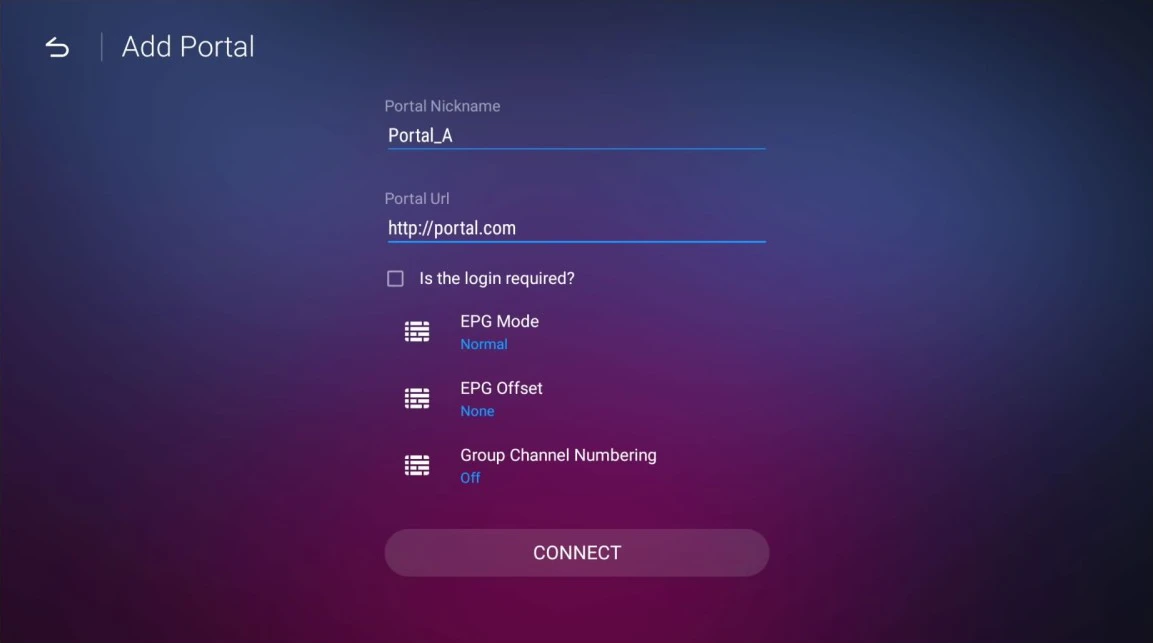
Setup TrimixTriangles service on your Formuler via MYTV Online 2